Streaming Tips
How to Turn Off Autoplay Previews on Every Service
Netflix keeps two separate autoplay settings, and both live on the profile rather than the account, which is why switching one off looks like it did not save.
The settings streaming apps bury: autoplay, subtitles, downloads, and the Continue Watching row that never forgets anything.
Every guide here gives the exact menu path, and lists the phone, the browser and the television separately, because on most services they are genuinely different screens with different options. A large share of the frustration around these settings comes from following an instruction written for one of the three while sitting in front of another.
Two recurring details explain most of the confusion. The first is that many of these settings belong to the profile rather than to the account, so a change made on one profile looks like it failed when someone else watches. The second is that several settings people assume live in the app actually live in the device: subtitle size and colour on most platforms are an operating system setting, which is why changing them once changes them everywhere.
Where a service has quietly removed a control, we say so rather than sending you looking for a switch that is no longer there. That is the least satisfying kind of answer to publish and it is more useful than a menu path that leads to an empty screen.
Streaming Tips
Netflix keeps two separate autoplay settings, and both live on the profile rather than the account, which is why switching one off looks like it did not save.
Streaming Tips
Fourteen codes to start with, and the ten-second method for confirming any code against Netflix itself instead of trusting a list.
Streaming Tips
Prime Video's television apps cannot remove a title at all, and Netflix's control is missing from some older TV apps, which is where most people try first.
Streaming Tips
Two clocks can run on a download, and the shorter one starts only when you press play. Only one big service publishes both numbers, and two publish no number at all.
Streaming Tips
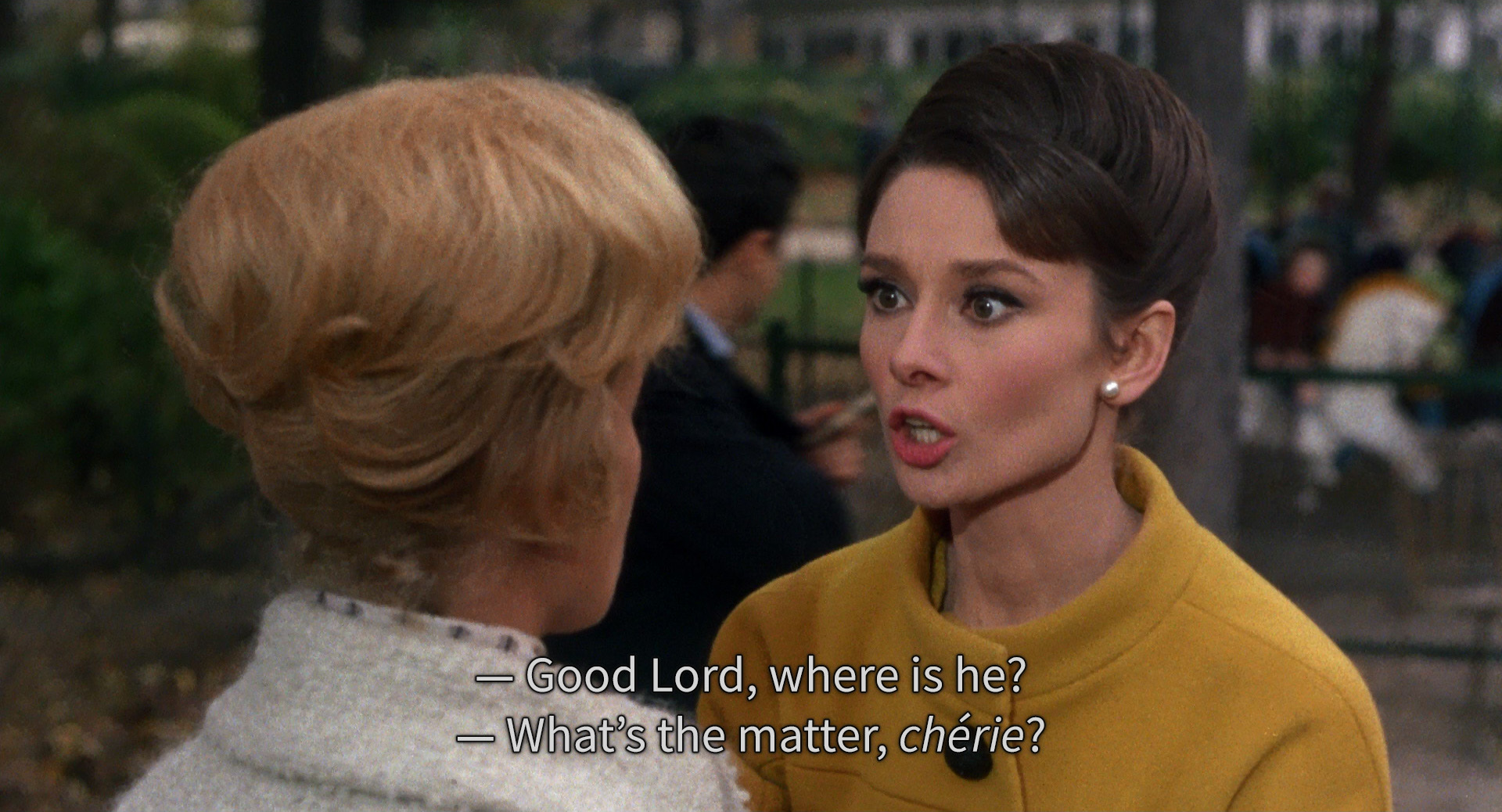
Subtitle size, colour and background are a device setting rather than an app setting, so changing them once changes them in every app on that device.
Streaming Tips
Artwork is chosen by testing which image gets the most clicks, and a dramatic still tests well whether or not it gives something away.