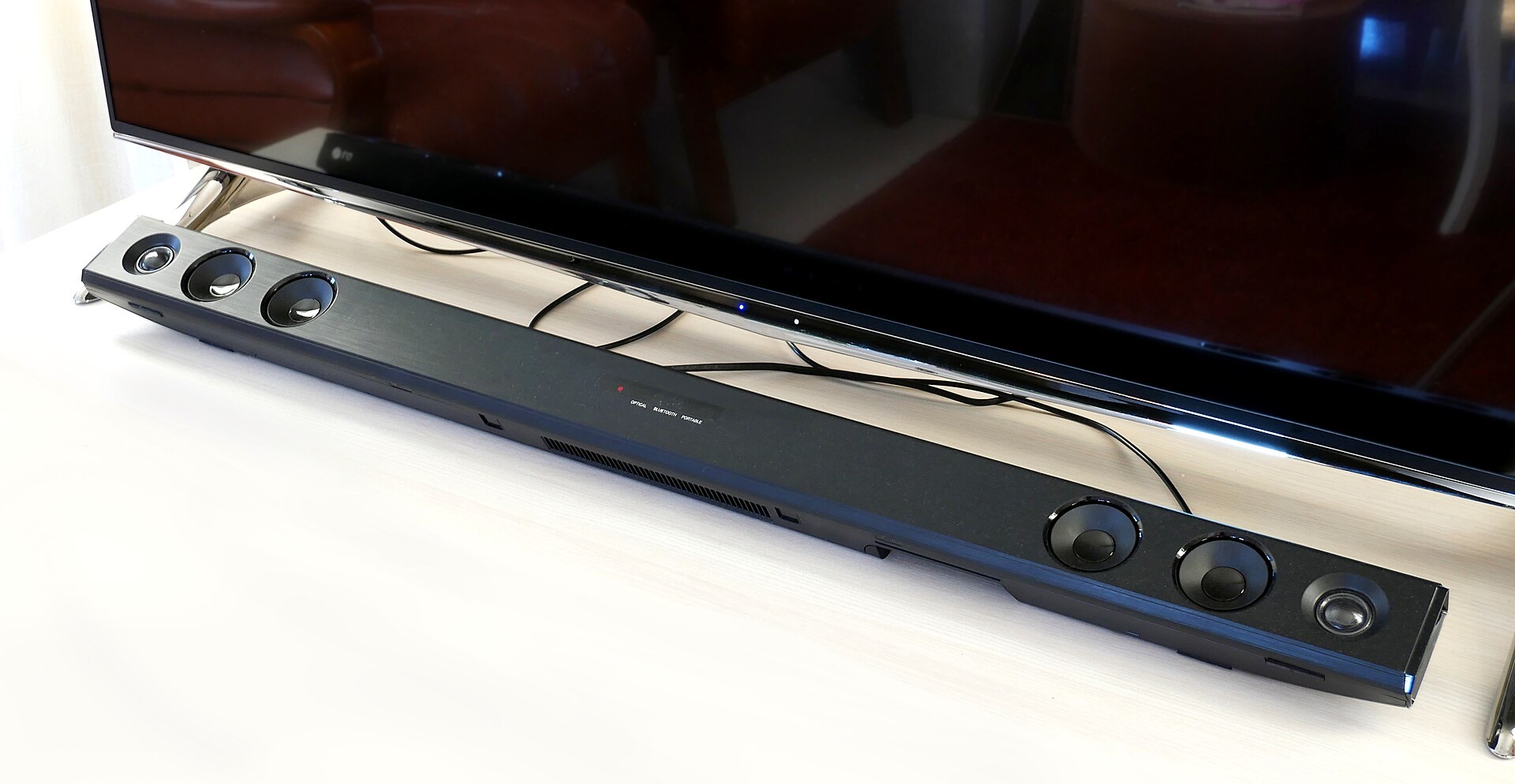
Search for why your soundbar is not showing Atmos and the first answer will be that you need HDMI eARC. For films streamed from an app, that is not true, and believing it sends people out to buy equipment they did not need.
Here is the actual distinction, and then the order to check things in.
There are two kinds of Atmos and they travel differently
Dolby Atmos is object based audio, meaning sounds are placed in a space rather than assigned to fixed channels. It gets delivered inside one of two carriers.
Dolby Digital Plus with Joint Object Coding. This is lossy and comparatively small, and it is what every major streaming service uses. Netflix, Disney+, Prime Video and Apple TV+ all send Atmos this way. Standard HDMI ARC has enough bandwidth for it.
**Dolby TrueHD with Atmos.** This is lossless and much larger, and it is what sits on 4K Blu-ray discs. ARC cannot carry it. This is the case that genuinely requires eARC.
So if your source is a streaming app, ARC is sufficient, and eARC is a nice thing to have rather than the missing piece. If your source is a disc player, eARC is the requirement and there is no way around it.
The television setting that flattens Atmos before it leaves the set
Televisions default to converting audio to PCM before sending it out, and PCM is a channel based format. Anything object based gets flattened on the way, usually to stereo, and the soundbar correctly reports that it is not receiving Atmos because it is not.
Find the digital audio output setting in your television's sound menu. It will be called Digital Audio Out, HDMI Audio Format, or Audio Output Format depending on the brand. Change it from PCM to Bitstream, Pass-through, Auto or Dolby Digital Plus, whichever the menu offers.
That is the change that lets an object based signal reach the soundbar intact. It is worth doing before anything else because it costs nothing and takes a minute.
Then check these, in this order
Is the app on a device that supports Atmos? The app has to negotiate Atmos with the hardware it is running on. A television's built-in app and an external streaming box are separate paths with separate capabilities, and older boxes from the same family often lack support that current ones have. If the built-in app works and the box does not, the box is the problem.
Does your subscription tier include it? Several services restrict spatial audio to their higher tiers. This is a plan question rather than a wiring question, and it is one of the things you give up on a cheaper plan, which we go through in what an ad tier actually costs you.
Does the title itself have an Atmos track? Most do not. A film's audio page in the app will list the available formats, and if Atmos is not there, nothing in your setup will produce it.
Soundbar makers publish the specific requirement for their own hardware, and that page beats a general one: Sonos documents what its bars need from a television, and the other manufacturers keep an equivalent.
Is everything in the chain claiming support? eARC needs both ends to support it. If either the television or the soundbar is ARC only, the connection quietly falls back to ARC, which for streaming is fine.
Is the HDMI cable in the right socket? ARC and eARC work on one specific HDMI port on the television, usually labelled on the socket itself. A cable in any other port carries no audio back to the soundbar at all.
How to confirm you actually have it
Do not trust the app. Check the receiving device. A soundbar or receiver displays the incoming format on its own panel or in its own app, and that is the only report that reflects what is genuinely arriving. Apps sometimes show an Atmos badge for a title that has an Atmos track without confirming that your setup is receiving it.
Start something with a well known Atmos mix, look at the soundbar's display, and see what it says. If it reports Dolby Digital Plus rather than Atmos, the object metadata is being stripped somewhere in the chain and the audio output setting above is the first suspect.
None of this is affected by your picture settings, so a set left in Filmmaker Mode has no bearing on the audio path. And if the picture is troubling you separately, dark films have their own set of causes.
If what you actually want is clearer dialogue rather than surround, the cheaper fix is subtitles, which are a device setting rather than an app one.